Booking System
What is It?
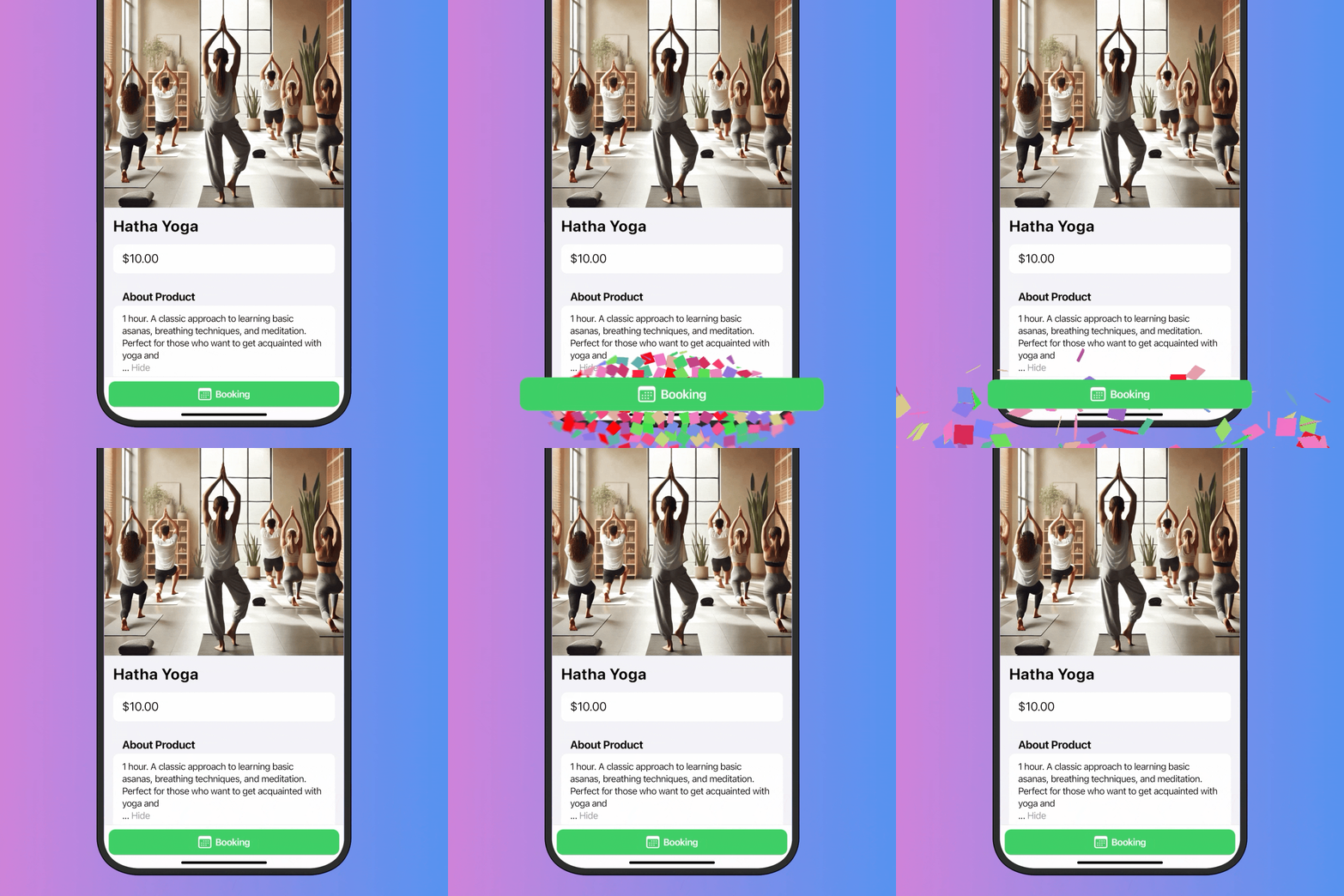
The booking system simplifies appointment scheduling through your shop. Premium users can activate this feature to manage services, consultations, and time-based offerings directly through the built-in CRM.
Use Cases
| Business Type | Booking Application |
|---|---|
| Consultants | Individual consultation sessions |
| Barbershops / Salons | Haircut, styling, treatment appointments |
| Coaches / Tutors | Personal training, tutoring sessions |
| Health & Wellness | Massage, therapy, yoga sessions |
| Auto Services | Car wash, repair appointments |
| Photographers | Photo session time slots |
| Legal / Financial | Advisory meetings |
Step-by-Step Setup
Step 1: Enable the Feature
- Go to your shop settings
- Open the Premium section
- Toggle “Booking System” to enable it
Step 2: Select Booking Mode
- Navigate to mode settings
- Select “Booking” mode
- This enables service management through the built-in CRM
Step 3: Configure Booking Intervals
- Go to Products → Services in your CRM
- Create or edit a service product
- Specify available time slots
Configuration options:
- Set available hours for each day
- Define slot duration (currently hourly slots only)
- Manage booking availability
Current Limitations
⏳ Hourly slots only — Currently, only hourly booking slots are supported. This makes the system ideal for:
- Individual sessions
- Consultations
- Fixed-time services
- One-hour appointments
Example: Consultant Booking Flow
Setup:
Service: Business Consultation
Price: $50/hour
Available Slots: 9:00, 10:00, 11:00, 14:00, 15:00, 16:00
Days: Monday - Friday
Customer Experience:
- Opens your shop
- Selects “Business Consultation”
- Chooses an available time slot
- Completes payment
- Receives confirmation with appointment details
Managing Bookings
In CRM you can:
- View all upcoming appointments
- See customer details for each booking
- Track booking status (pending, confirmed, completed)
- Reschedule or cancel if needed
Best Practices
- Buffer time — Leave gaps between appointments for preparation
- Clear descriptions — Explain what customers get in each session
- Confirmation messages — Send reminders before appointments
- Cancellation policy — Set clear terms for no-shows
- Limited slots — Create scarcity for high-demand services
Benefits
- ✅ Simplified scheduling — No back-and-forth messages
- ✅ 24/7 booking — Customers book anytime
- ✅ Automated confirmations — Instant notifications
- ✅ CRM integration — All bookings in one place
- ✅ Payment upfront — Reduce no-shows with prepayment
Useful Resources
- Booking App — Manage your bookings on the go
Last updated on